Reverse engineering
Start from a physical component when drawings or original design files are missing.
02 / 3D Scanning
Capture the shape of an existing object to create a digital starting point for inspection, restoration or reverse engineering.
Discuss 3d scanning ↗Our scanner / Creality CR-Scan Raptor
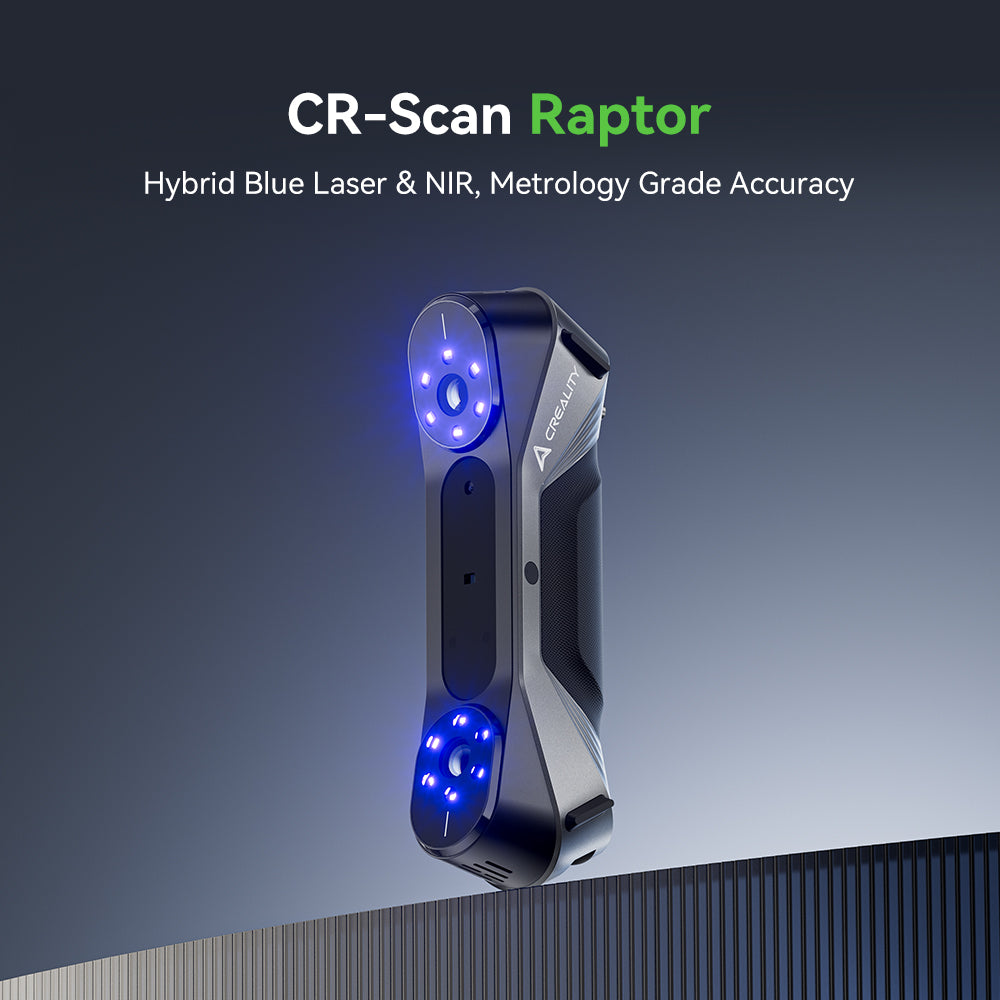
Our handheld scanner for turning physical parts into digital reference models.
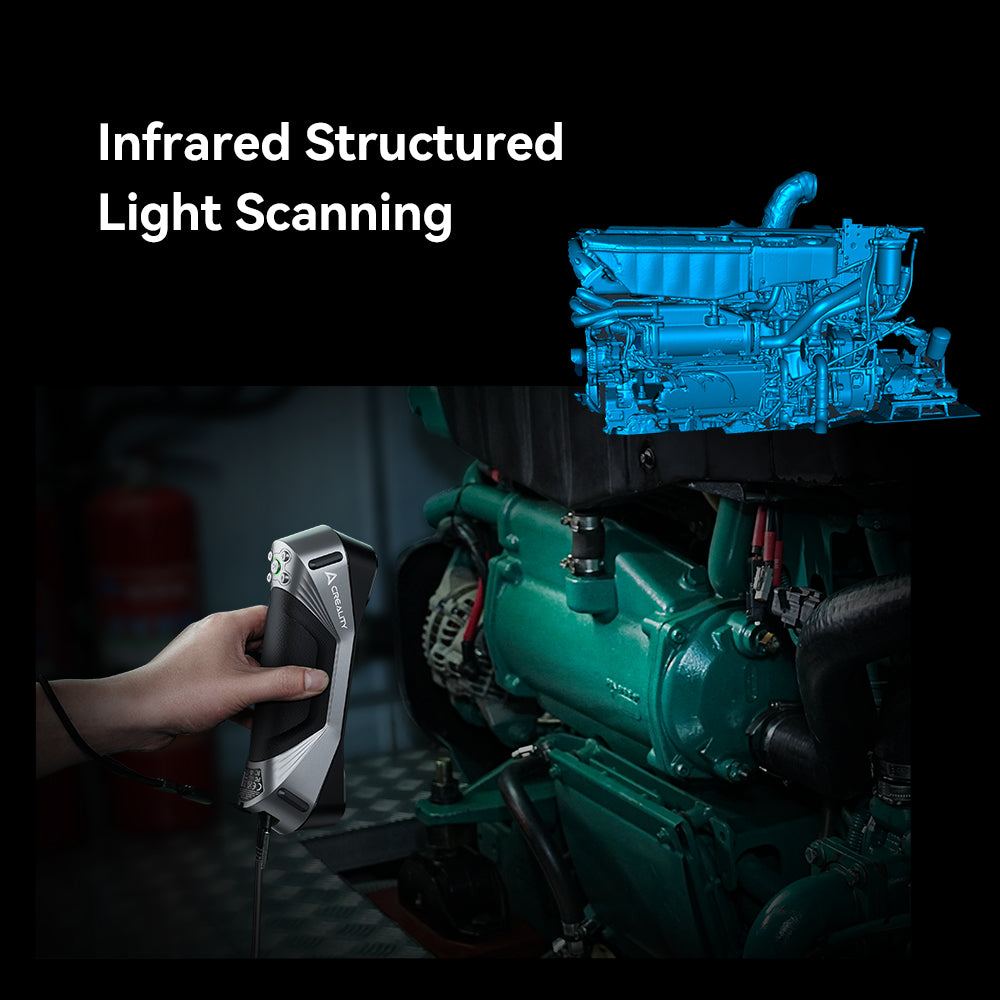
See how scanning captures the shape of a component for the next stage of design.
The scanner in action · Official Creality films
What it can help with
Start from a physical component when drawings or original design files are missing.
Record complex surfaces and organic forms for further digital work.
Use an existing object as a reference for replacement parts or a revised design.
The process
Photos, dimensions, surface finish and access help establish whether scanning is suitable.
The object is captured from suitable angles, then the scan data is aligned and cleaned.
The agreed mesh is supplied. Editable CAD reconstruction can be scoped as a separate next step.
Preparing your brief
Before you begin
Suitability depends on size, surface and access. Reflective, transparent or very dark surfaces can require preparation, and hidden internal features may not be captured.
A scan normally produces a mesh. If you need editable CAD geometry, include that in your brief so reconstruction can be assessed and quoted.
Accuracy depends on the object, equipment, setup and processing. We agree the requirements and achievable result after assessing your part.
Your next step
Include your files, requirements and deadline so the scope can be reviewed.
Enquire about 3d scanning ↗